users
Features Pricing FAQ Affiliate Y
Monitor Color Control

Make your monitor
look exactly right.

! Will I get banned in games? No

Control brightness, contrast and gamma on any display. Save presets, switch instantly. One-time purchase. yours forever.

OK One-time payment  ·  OK Windows 10/11  ·  OK Instant download
users already using YourMonitor
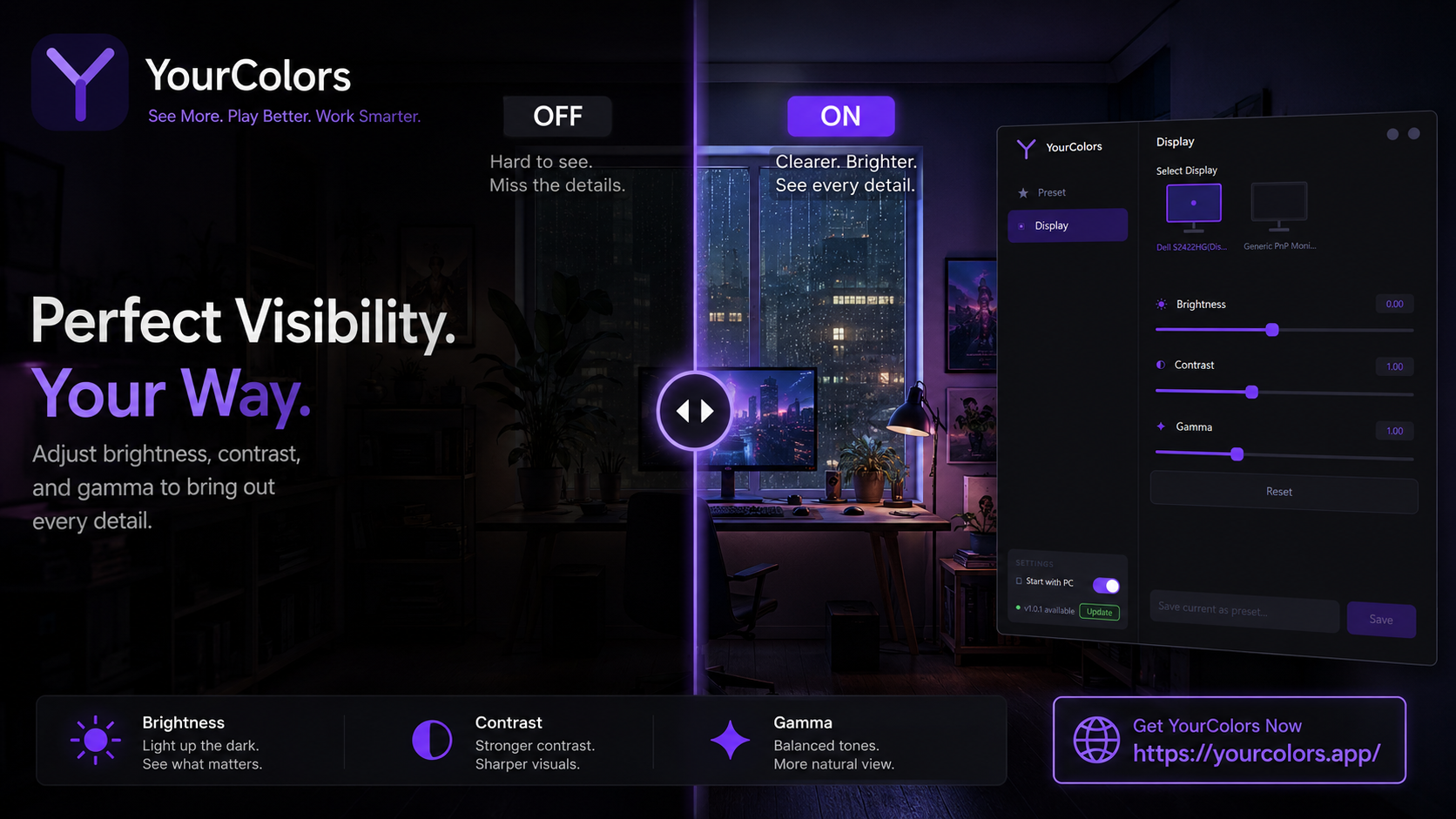
YourMonitor
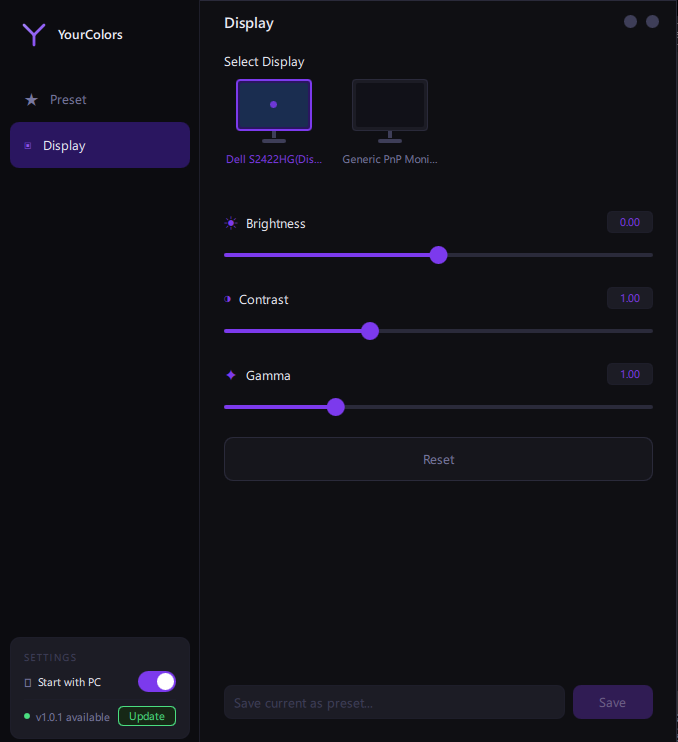
YourMonitor Display tab
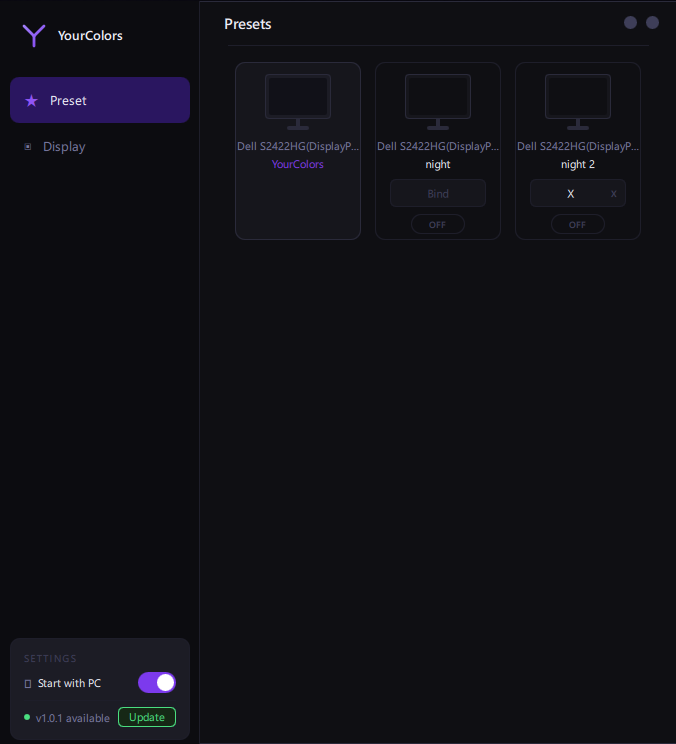
YourMonitor Presets tab

Everything you need.
Nothing you don't.

Simple controls that actually change how your monitor looks. no drivers, no bloat.

*

Brightness

Raise or lower the overall brightness of your display without touching the physical buttons.

*

Contrast

Sharpen the difference between dark and light areas. Make details pop in any environment.

*

Gamma

Fine-tune the color curve for accurate, natural-looking colors that match your preference.

*

Presets

Save your perfect settings as a preset. Switch between day, night and gaming modes instantly.

*

Keybinds

Assign a keyboard shortcut to each preset. Switch your display profile without leaving your game.

*

Safe & Reversible

Closes the app and your monitor goes back to normal instantly. No permanent changes, ever.

Up and running in 60 seconds.

1

Buy & Download

One payment. Instant download link sent to your email.

2

Install & Activate

Run the installer, enter your key, done. No account needed.

3

Adjust & Save

Move the sliders, save your preset, assign a hotkey. Enjoy.

Pay once. Own it forever.

No subscription. No monthly fees. No nonsense.

Limited Discount
$4.99
$2.99
Pay once, use forever on your PC.
Brightness, Contrast & Gamma control
Unlimited presets
Keyboard shortcuts for each preset
System tray, always available
Free updates
Windows 10 & 11 support
users already using YourMonitor
Secure payment via Paddle  ·  Card, PayPal & more  ·  [email protected]

Common questions.

YourMonitor is a monitor-level application. it adjusts your display's gamma ramp through Windows, the same way your GPU drivers and Windows Night Light do. It does not inject code into games, modify game files, or interact with any game process. Anti-cheat systems (like EAC, Vanguard, or BattlEye) only scan for software that touches game memory or processes. YourMonitor never does. It is completely safe to use alongside any game.
YourMonitor works with any monitor connected to a Windows PC.
No. YourMonitor only changes software-level color settings (gamma ramp). When you close the app, everything returns to normal instantly. There are no permanent changes to your hardware.
Yes. YourMonitor runs in the system tray and your presets stay active while you play. Use keyboard shortcuts to switch profiles without alt-tabbing.
Each license is tied to one PC. If you need it on a second machine, you'll need an additional license.
After purchase you'll receive an email with your license key and download link within seconds. Check your spam folder if you don't see it.
Yes. You may request a refund within 14 days of purchase. Refunds are handled through Paddle in accordance with Paddle's Refund Policy and applicable law.
Affiliate Program
Earn $0.50 per sale
Share your link. Get paid for every user that buys through it.
Join Affiliate Program